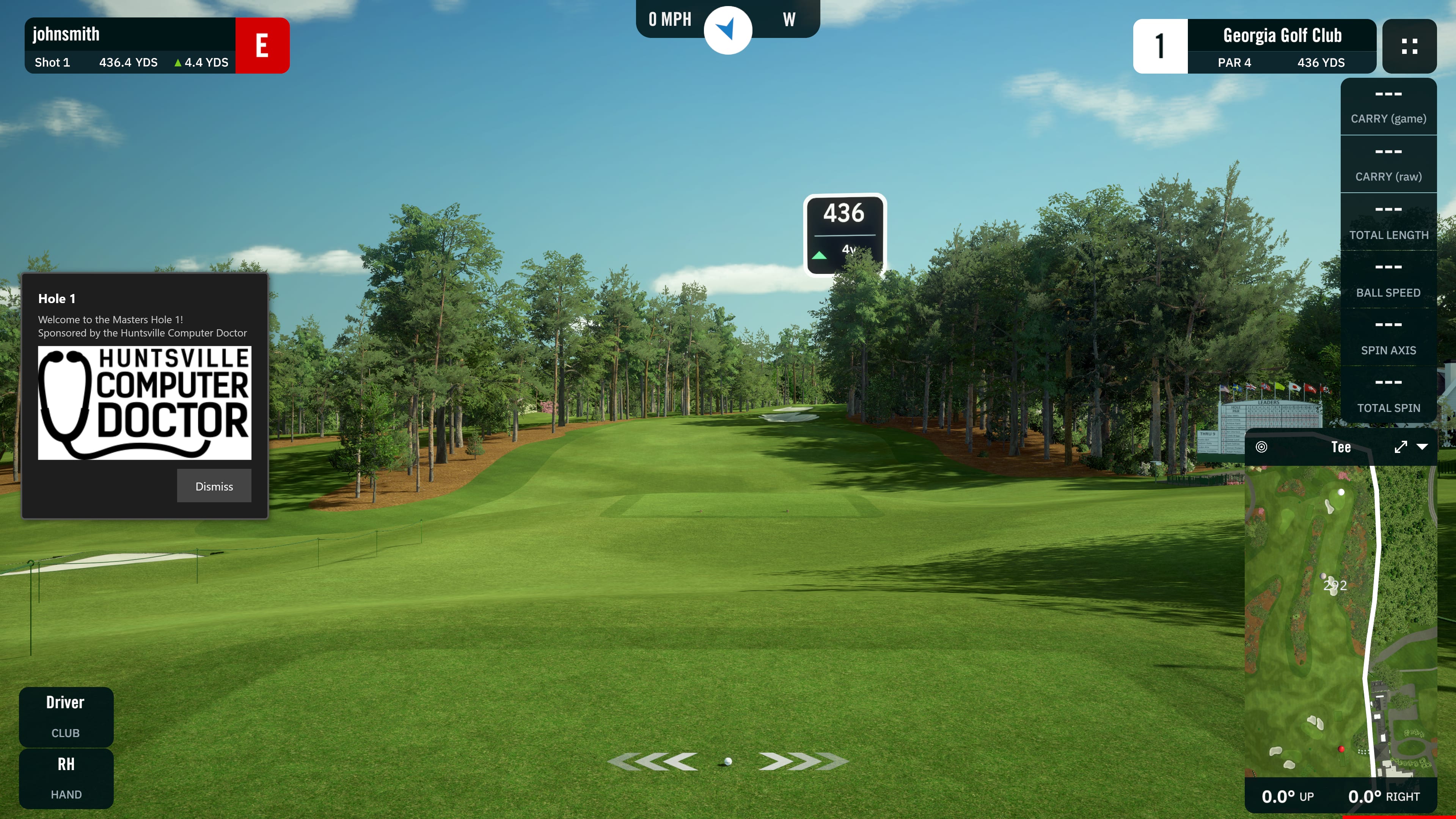
Never Miss a Shot

Automatically capture, replay, and share every moment from your golf simulator. Screenshots, video clips, and reactions — delivered instantly.

Friends celebrating a great shot in a golf simulator bay
Trusted by golf simulator facilities and leagues across the country

A Receipt for Every Amazing Shot

ShotReceipt runs silently in the background. Press one hotkey, and your shot is captured, branded, and ready to share.

Screenshots & Video

Capture screenshots and video clips with a single hotkey. Add a webcam or IP camera for swing footage alongside the simulator screen.

Instant Sharing

Branded emails, QR codes, and share links. Players get their shots on their phone in seconds — no app required.

Scores & Scorecards

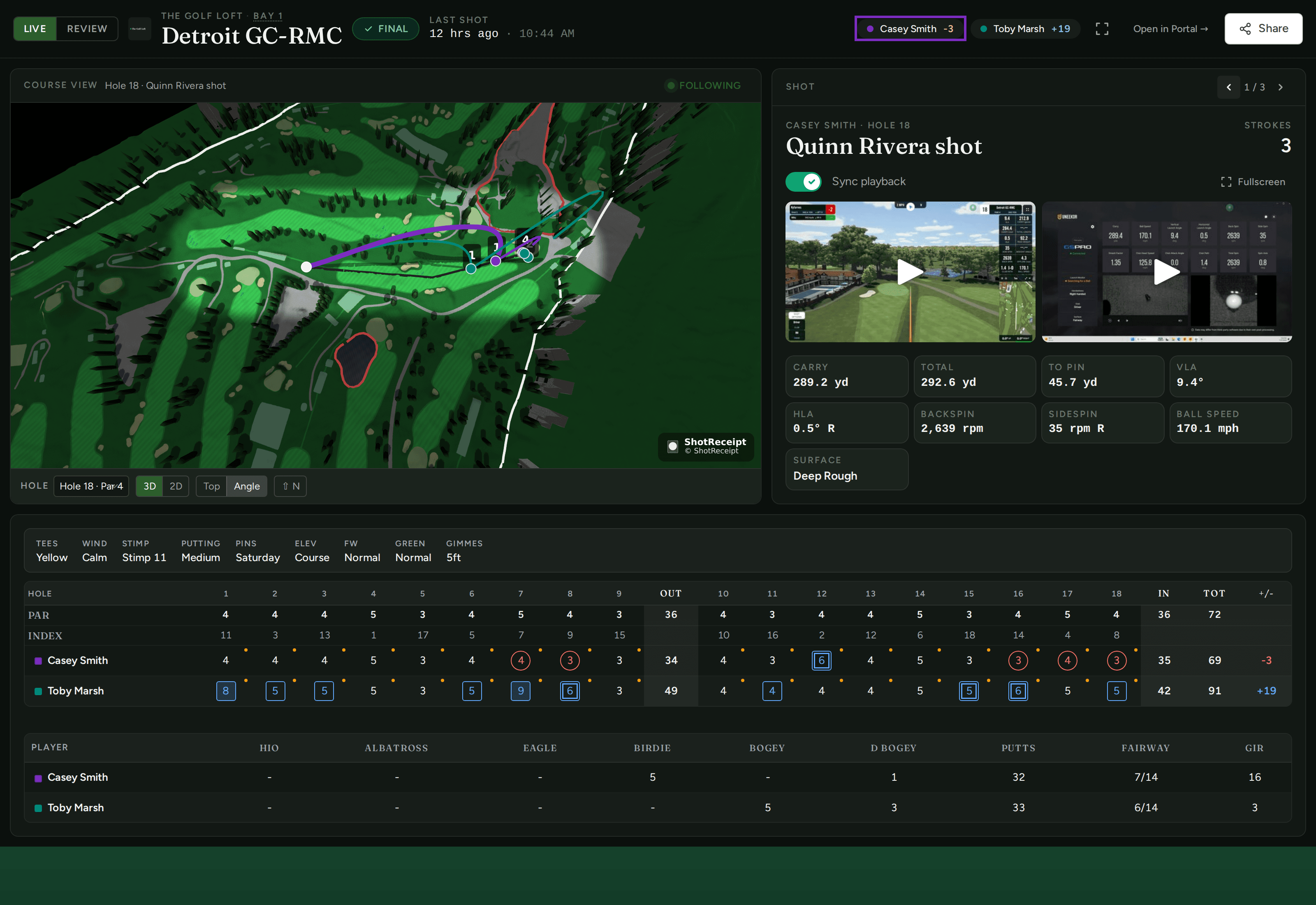
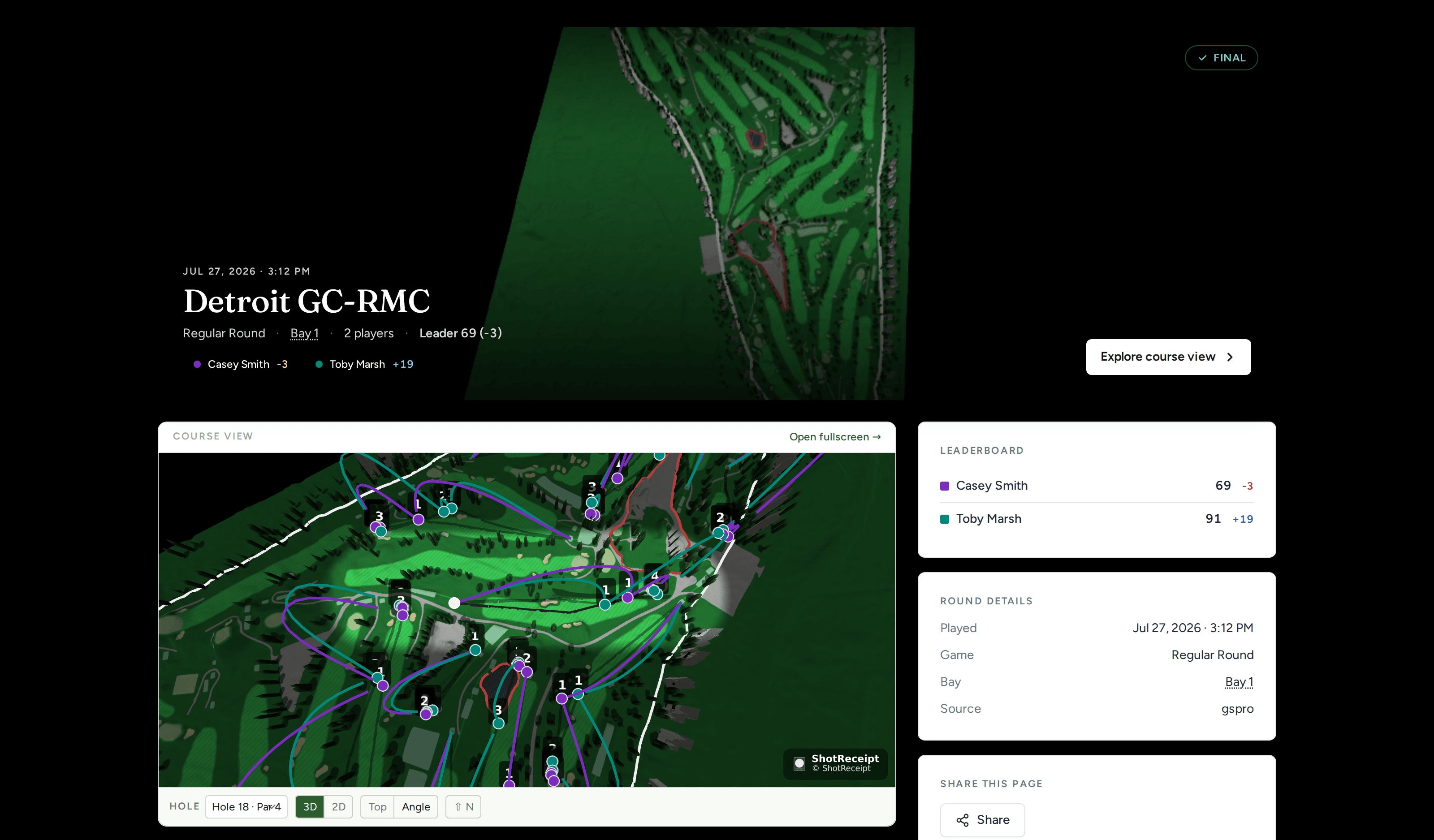
Scores are uploaded automatically. Open a full-screen live scorecard on a second display for spectators. Eagles, hole-in-ones, and chip-ins are detected and highlighted.

Guest Portal

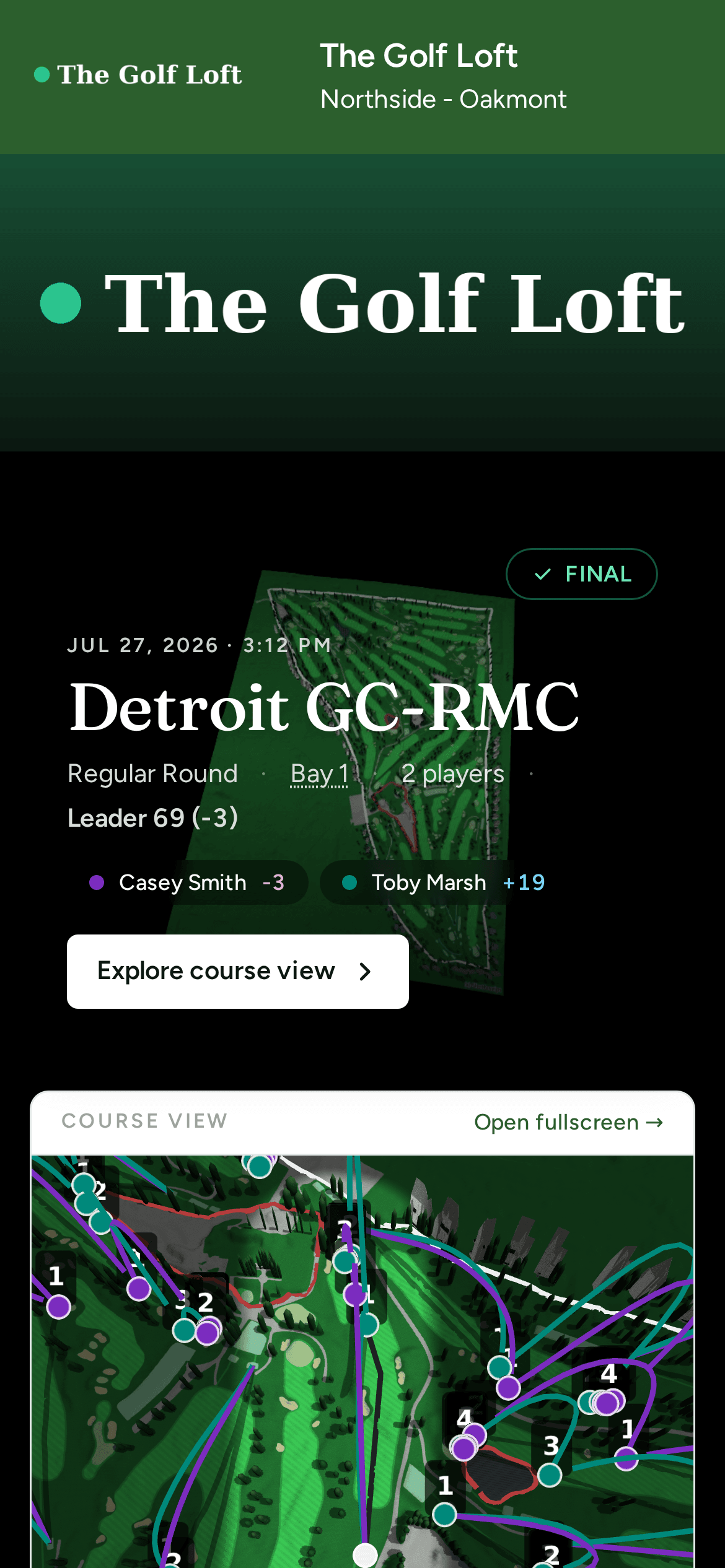
Every player gets a personal dashboard to view their recordings, rounds, and scores. Magic link access — no passwords, no friction.

Facility Dashboard

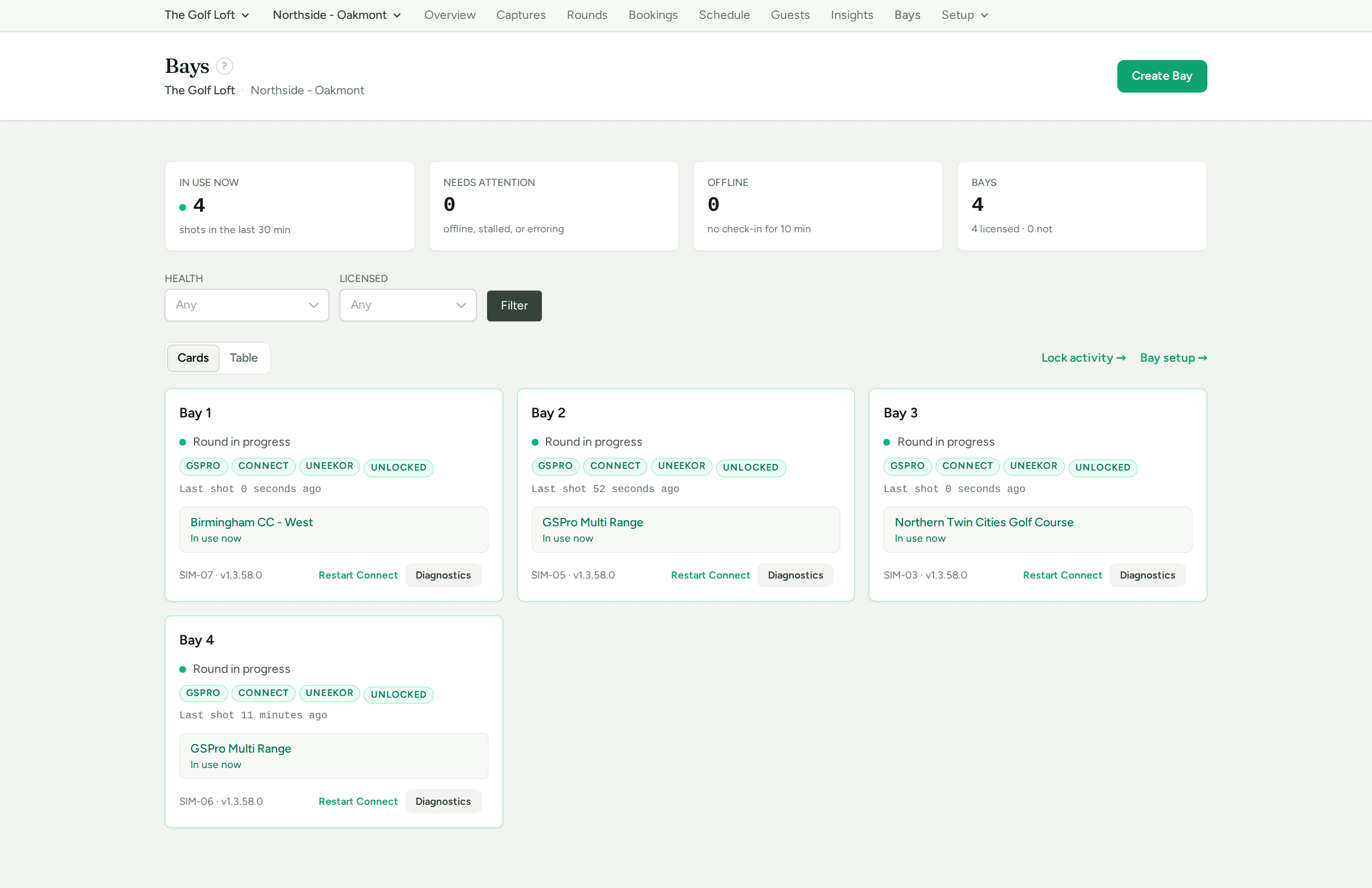
See every bay, recording, and guest from one management console. Track usage, manage settings, and control access across all your locations.

Your Branding

Custom logo, accent colors, and company info on every email, share page, and guest portal. Your facility, your brand.

See All Features
For Simulator Facilities

Turn Every Bay Into a Marketing Machine

Your customers are already having a great time. ShotReceipt turns those moments into shareable content that brings them back — and brings their friends.

Get Started
Modern golf simulator facility with multiple bays and warm sports bar atmosphere
For Golfers & Groups

Relive Every Swing, Celebrate Every Moment

That hole-in-one on the 7th at Pebble Beach? Your buddy's reaction when you sunk a 40-foot putt? ShotReceipt captures it all so you can share, brag, and laugh about it later.

Try It Free
Group of friends celebrating in a golf simulator bay

How It Works

Set it up once, then forget about it. ShotReceipt does the rest.

1

Install & Configure

Install ShotReceipt on your simulator PC. Choose your simulator type, set your hotkey, add your logo and email settings.

2

Play Golf

ShotReceipt runs silently in the system tray. Video recording starts automatically in the background.

3

Press the Hotkey

After an amazing shot, press your hotkey. ShotReceipt captures the screenshot and saves the last 30-90 seconds of video.

4

Share Instantly

Preview your capture, fill in the game details, then email it, generate a QR code, or save it. Done in seconds.

See It in Action

ShotReceipt preview window with game details and sharing buttons

Preview and share in one click

Branded HTML email received on a phone showing golf simulator screenshot, course name, player name, and facility logo

Branded emails your customers love

ShotReceipt QR code popup for instant mobile sharing

Scan, save, share — instant QR codes

Get in Touch

Interested in ShotReceipt for Your Facility?

Whether you run one bay or fifty, we'd love to hear from you. Fill out the form and we'll get back to you within one business day.

  • Free trial for every facility
  • Volume licensing available
  • Dedicated onboarding support
ShotReceipt

Ready to Capture Every Moment?

Download ShotReceipt and start sharing your best shots today.

Windows 10/11 required. Free trial available.